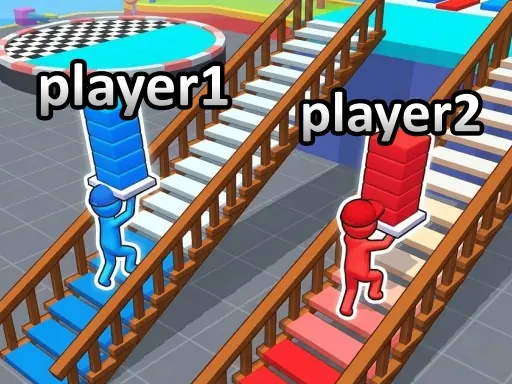
Stumble Boys: Party Royale browser guide
About Stumble Boys: Party Royale
Stumble Boys: Party Royale turns its casual theme into a clear browser task: If you enjoy competitive casual running games, quick challenges, and funny party-style competition, jump in and see how long you can survive!. The browser build favors Casual with party at a fast and reactive pace. Follow the input note—On PC WASD to move Space to jump On Mobile Click the on-screen button to operate—and spend the first minute learning what the interface counts as progress before optimizing the run.
This game is best considered by A quick browser session with little setup. To create something new in the same broad genre, specify a different world, interaction, progression rule, control method, and audience, then test the smallest playable loop first.
How Stumble Boys: Party Royale plays in a browser
- Objective
- If you enjoy competitive casual running games, quick challenges, and funny party-style competition, jump in and see how long you can survive!
- Play style
- Casual with party
- Core skills
- quick decision-making, shared-screen competition
- Pace
- Fast and reactive
- Input
- On PC WASD to move Space to jump On Mobile Click the on-screen button to operate
- Best fit
- A quick browser session with little setup