Skateboard Obby 2 Player browser guide
About Skateboard Obby 2 Player
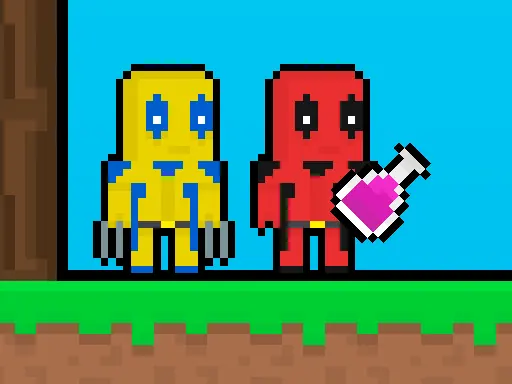
The central task in Skateboard Obby 2 Player is direct: In Skateboard Obby 2 Player, in this adventure, Obby and his friend Bacon need to navigate through a challenging world filled with skateboards and obstacles to reach the finish line. Expect Arcade with 2 player, party with a steady, player-controlled rhythm. Controls are summarized as: The Yellow player moves using the WASD keys The Grey player moves using the arrow keys Collect all the coins Mobile gameplay mobile touch control is available. Treat the first round as a device check, then focus on one repeatable action before adding speed or difficulty.
Choose Skateboard Obby 2 Player when you are looking for Two people who want a shared or competitive round. For an AI-assisted remix idea, study the pacing and feedback rather than copying the title: define a fresh theme, a new rule, accessible controls, and one measurable win condition in the creator brief.
How Skateboard Obby 2 Player plays in a browser
- Objective
- In Skateboard Obby 2 Player, in this adventure, Obby and his friend Bacon need to navigate through a challenging world filled with skateboards and obstacles to reach the finish line.
- Play style
- Arcade with 2 player, party
- Core skills
- head-to-head decisions, score chasing, shared-screen competition
- Pace
- Steady, player-controlled
- Input
- The Yellow player moves using the WASD keys The Grey player moves using the arrow keys Collect all the coins Mobile gameplay mobile touch control is available
- Best fit
- Two people who want a shared or competitive round