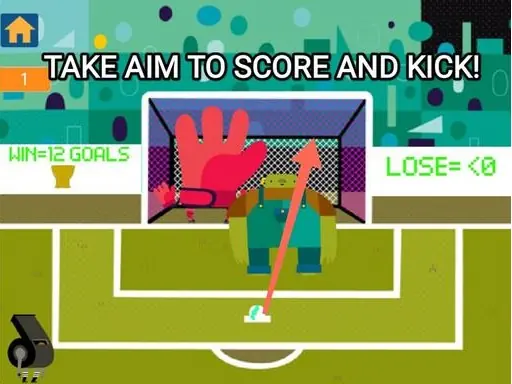
Fiva 26: Soccer browser guide
About Fiva 26: Soccer
Fiva 26: Soccer turns its sports theme into a clear browser task: Move the ball into scoring positions and finish the match with more goals or points than the opposition. The browser build favors Sports with football at a fast and reactive pace. Follow the input note—Desktop WASD or the arrow keys to move Shift to sprint hold the pass button to aim at a team-mate and release to pass click the shoot button to strike Mobile le—and spend the first minute learning what the interface counts as progress before optimizing the run.
This game is best considered by Sports players who enjoy field decisions and scoring pressure. To create something new in the same broad genre, specify a different world, interaction, progression rule, control method, and audience, then test the smallest playable loop first.
How Fiva 26: Soccer plays in a browser
- Objective
- Move the ball into scoring positions and finish the match with more goals or points than the opposition.
- Play style
- Sports with football
- Core skills
- field awareness, timing under pressure
- Pace
- Fast and reactive
- Input
- Desktop WASD or the arrow keys to move Shift to sprint hold the pass button to aim at a team-mate and release to pass click the shoot button to strike Mobile le
- Best fit
- Sports players who enjoy field decisions and scoring pressure